01
Drop your screens
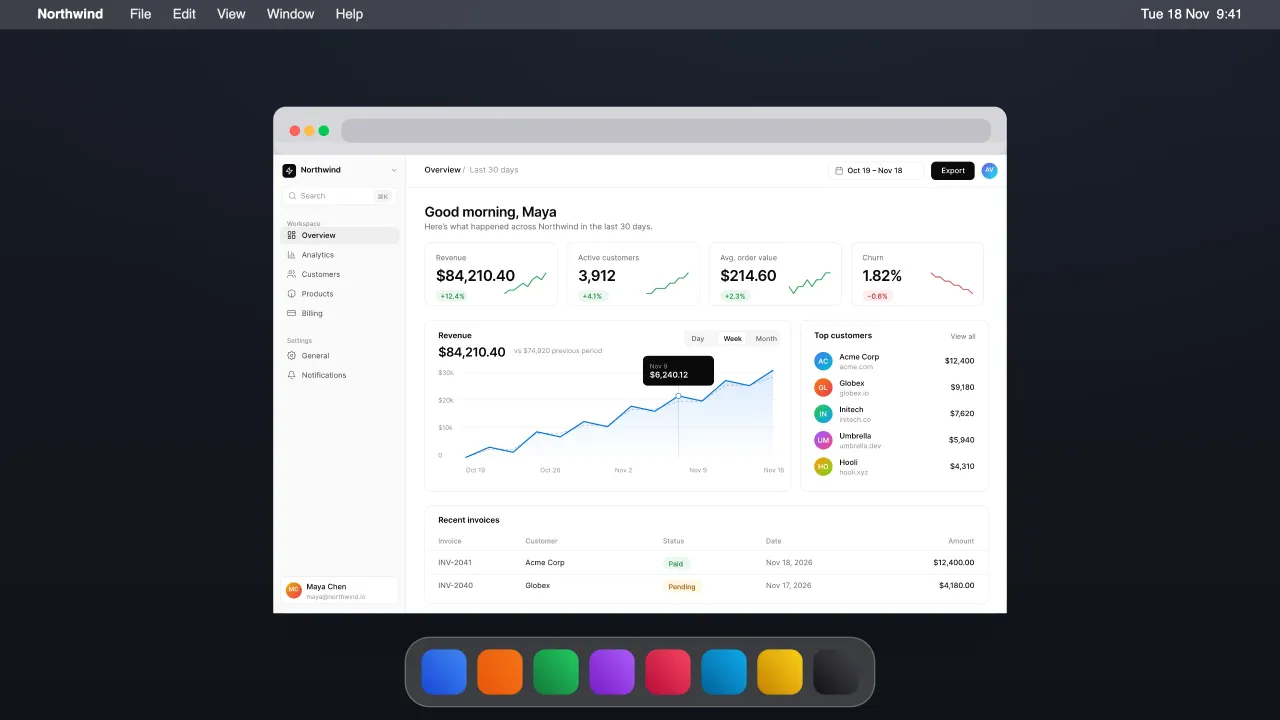
Desktop first, mobile too. Full-page captures scroll. Nothing is ever cropped.
For Mac & Windows · Works offline
Drop in a set of screens, pick a look, export. FramePop choreographs every screen and every transition — rendered locally, never uploaded.
How it works
01
Desktop first, mobile too. Full-page captures scroll. Nothing is ever cropped.
02
Every look plays your whole set — a transition at every boundary. Drag to reorder.
03
4K 60fps MP4, ProRes with alpha, WebM or GIF. Ten seconds renders in about seven.
Looks
Desktop-first sequences. Calm or punchy, never gimmicky. Hover or focus a look to play it.
Push between screens with a quiet hold
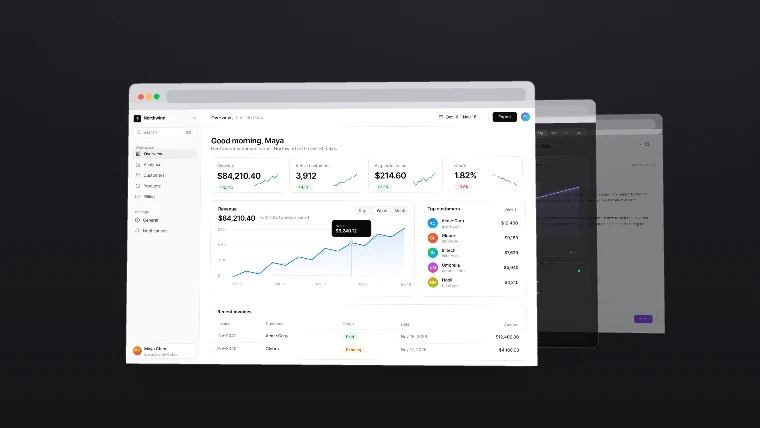
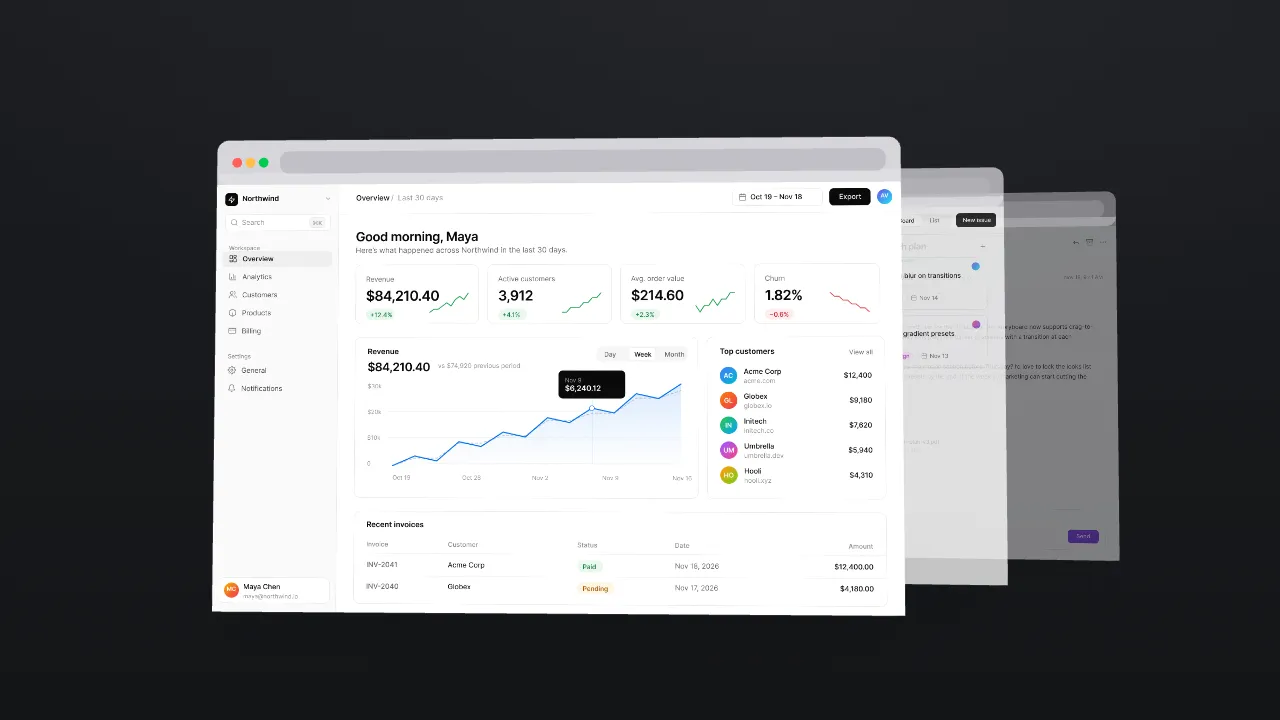
Depth advance through a stack of windows
One window, pages swap inside it
A camera moves across a wall of screens
A track of screens pans past
Desktop and phone, together
Storyboard
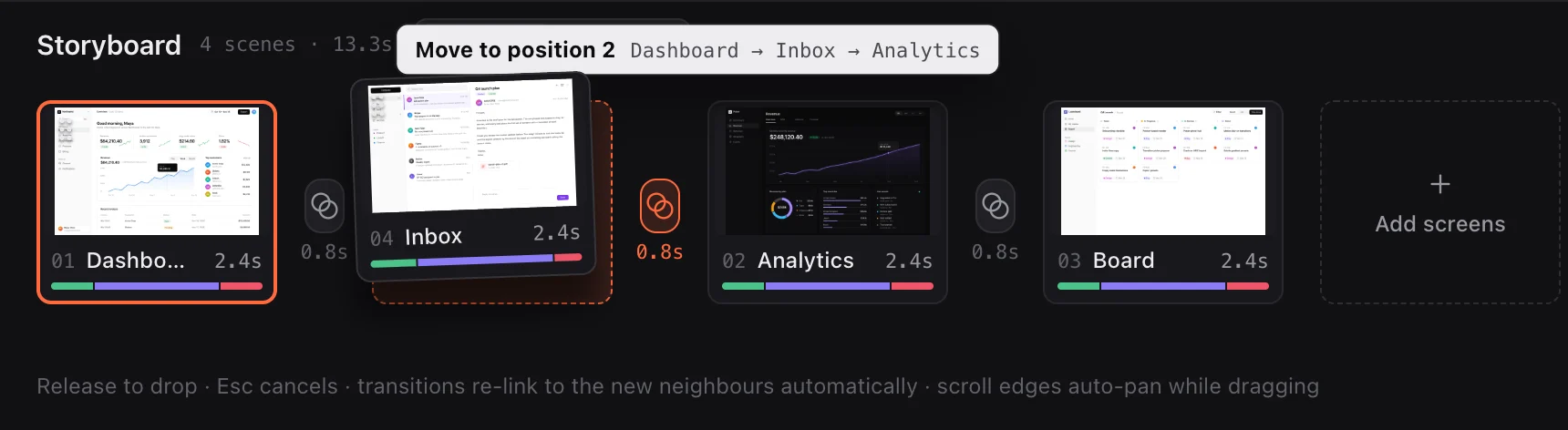
Drag screens into any order — in the filmstrip or the grid. Transitions re-link to their new neighbours instantly, and the preview follows.
Details
Movement blurs along its true velocity, like a camera shutter. Browser tools can’t.
Every card is sized from your image. Tall pages scroll, wide dashboards arrive whole.
Push, slide over, zoom through, whip pan, card swap — or a clean cut.
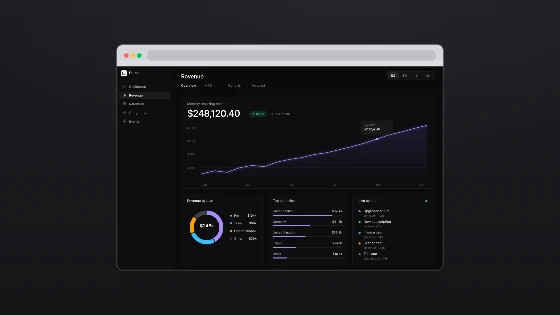
Silk waves, dusk dunes, graphite, and a desktop scene with menu bar and dock.
Set it once. Looks never override your rounding, framing or order.
4K 60fps, HEVC, ProRes 4444 with alpha, WebM and GIF. Presets for every channel.
Backdrops
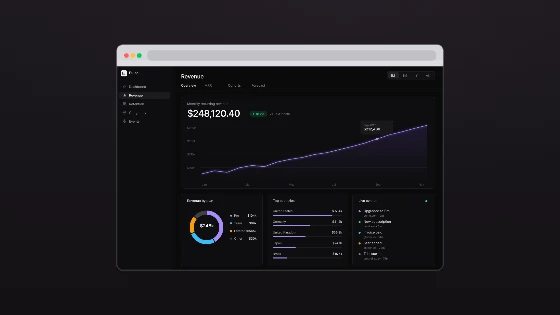
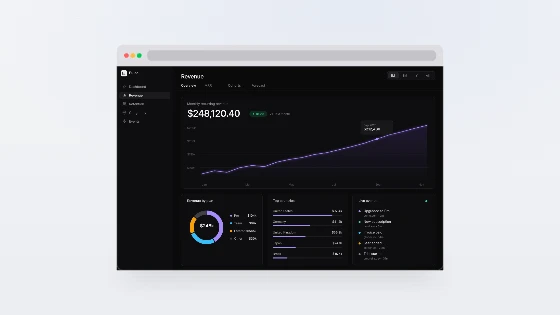
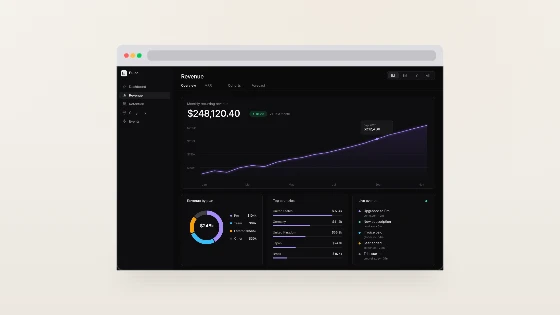
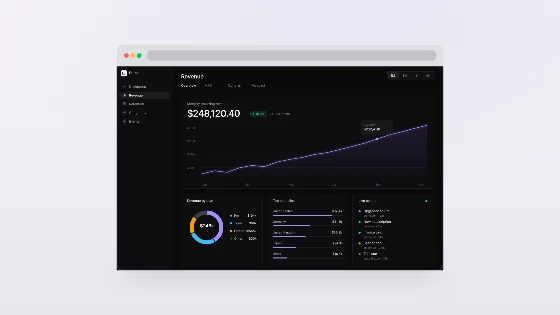
Privacy
No account. No upload. No cloud render. No telemetry. Native H.264 / HEVC encoders on your own hardware — works with the Wi-Fi off. That matters when your screens are under NDA.
Pricing
$0Every beta release is free.
No. Drop in your screens and pick a look. Timing, easing and transitions are already designed; you can still change any of them.
No. FramePop has no account, upload step, cloud renderer or telemetry. Your screens and exports stay on your computer.
Yes. Drag cards in the storyboard or the Arrange grid, or use the keyboard. Transitions re-link to their new neighbours and the preview follows.
PNG, JPG, WebP and AVIF screenshots, desktop or mobile, any height.
macOS 14 or newer on Apple silicon, and Windows 10 22H2 or newer on x64.
Yes. Commercial use is included.