خبریں کارڈ، گرڈ اور ویڈیو کی صورت میں شیئر کریں
کسی بھی صفحے کے حصوں کو ایک کارڈ یا ویڈیو میں جوڑیں۔ ہر نتیجے میں اصل ماخذ کا لنک شامل ہے۔
کارڈ اور گرڈ آپ کے براؤزر میں بنتے ہیں۔ کوئی فائل اپ لوڈ نہیں ہوتی۔کارڈ اور گرڈ آپ کے براؤزر میں بنتے ہیں۔
 Chrome کے لیے ڈاؤن لوڈ
 Clipcard

کارڈ بنانے کے لیے لنک پر رائٹ کلک کریں۔ ایکسٹینشن کو ڈیولپر موڈ میں انسٹال کریں۔
iPhone: شیئر ← ہوم اسکرین میں شامل کریں
ایپ انسٹال کریں اور حالیہ کارڈ آف لائن کھولیں۔
تین مرحلوں میں کارڈ بنائیں
ماخذ شامل کریں
لنک، اقتباس یا تصویر پیسٹ کریں، یا پڑھتے وقت بک مارک استعمال کریں۔
کارڈ بنائیں
Clipcard خود ڈیزائن منتخب کرتا ہے۔ آپ اسے کسی بھی وقت بدل سکتے ہیں۔
کارڈ شیئر کریں
تصویر کاپی یا محفوظ کریں۔ QR کوڈ قارئین کو اصل ماخذ تک لے جاتا ہے۔
Everything it does
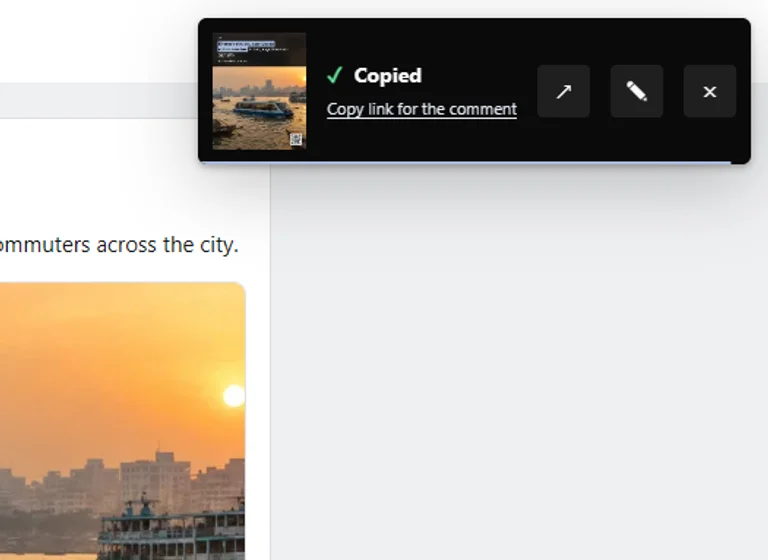
ایک کلک میں کارڈ
Right-click any link. A sourced card is on your clipboard.
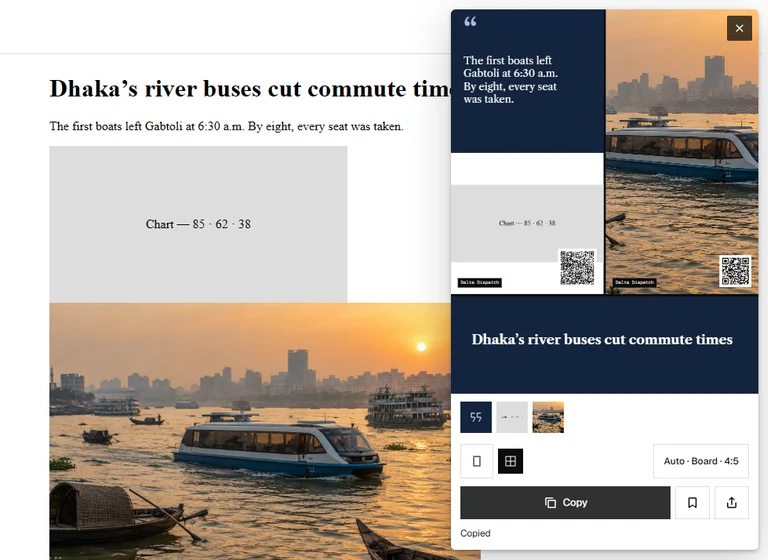
کلپس اور گرڈ
Clip quotes, images and charts. Arrange them as one card.
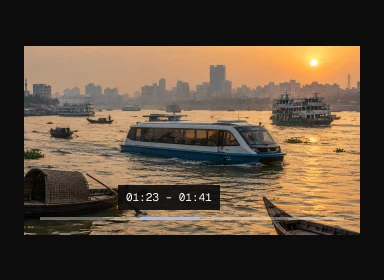
ویڈیو کلپس
Mark a moment on YouTube or any page video. Linked to the timestamp.
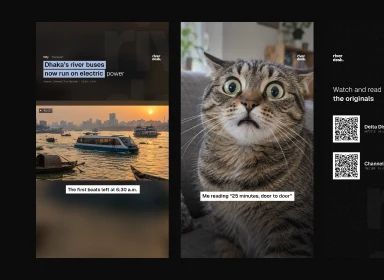
ایک ویڈیو، کئی ماخذ
Join clips, excerpts and reactions. Sources roll at the end.
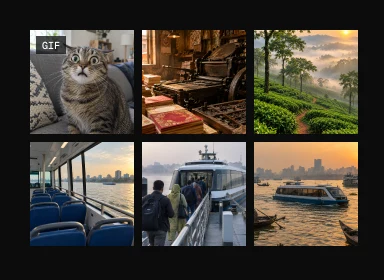
لائبریری اور GIF
Keep memes and clips for later. Search GIPHY and KLIPY.
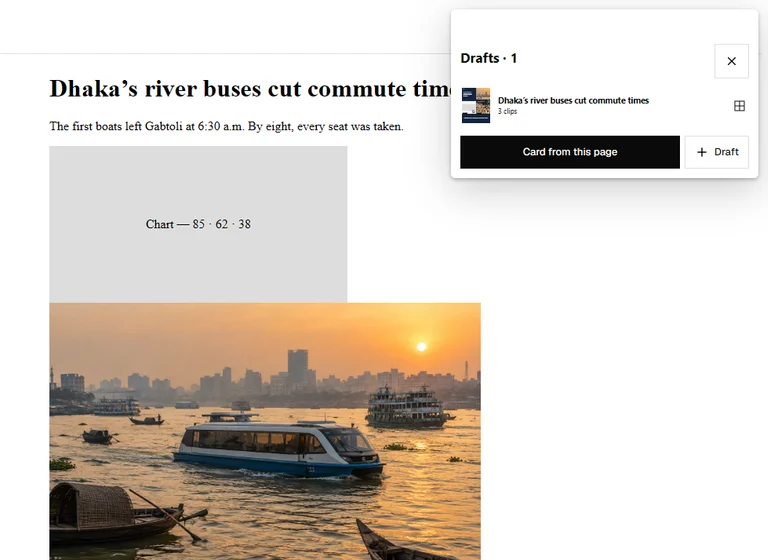
مسودے
Save now, add sources over days, post when ready.
Pick the key phrase and its color · old stories show their year · runs in your browser
Install the extension
Developer-mode beta for Chrome, Edge and Brave.
- Download and unzip the file.
- Open chrome://extensions.
- Turn on Developer mode.
- Choose Load unpacked and select the folder you unzipped.
In Edge, open edge://extensions. In Brave, open brave://extensions. Pin Clipcard from your browser’s Extensions menu.
Build from source
git clone https://github.com/tanzir71/clipcard.git && cd clipcard && pnpm i && pnpm buildLoad this folder as the unpacked extension. apps/extension/.output/chrome-mv3
No install? Use the bookmark.
Drag Clipcard to your bookmarks bar. Click it on a page to make a card.
Every sourced card links back.
- QR code to the original article
- Trackers removed from every link
- Edited headlines are marked
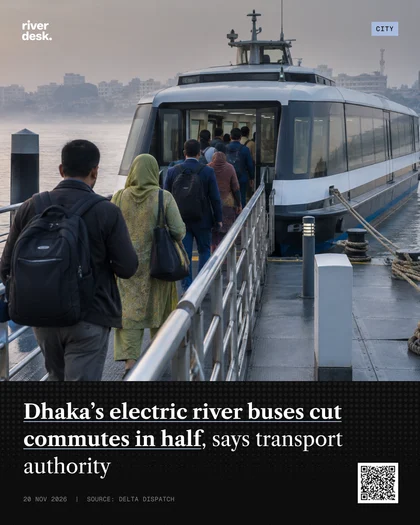
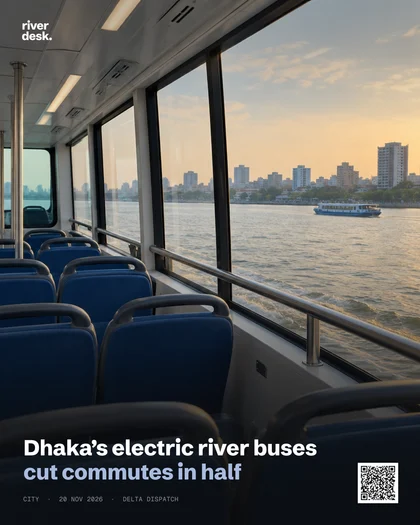
Seven looks. Five formats.
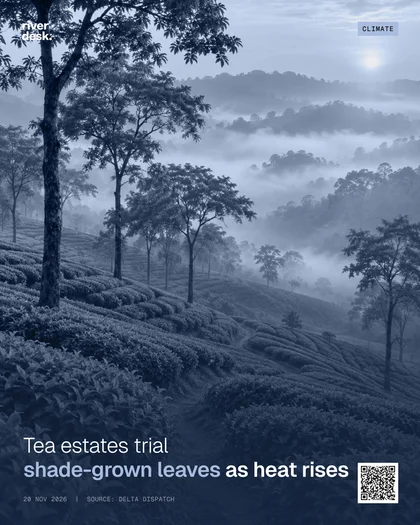
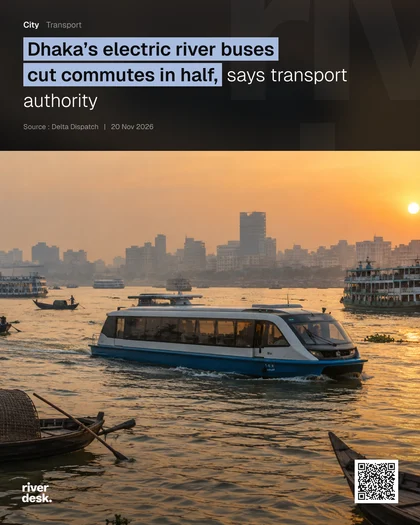
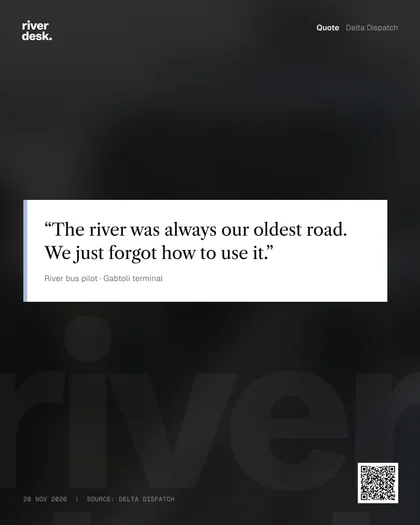
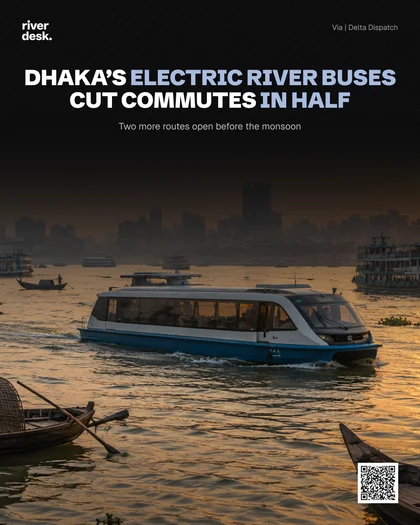
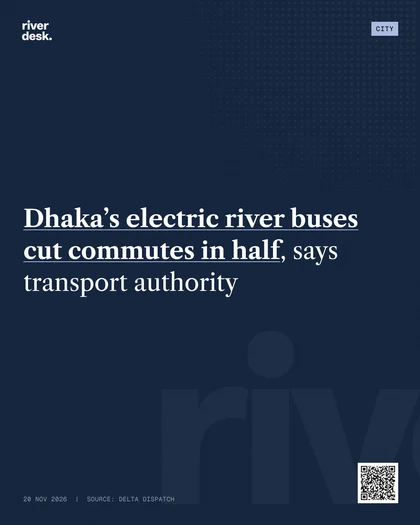
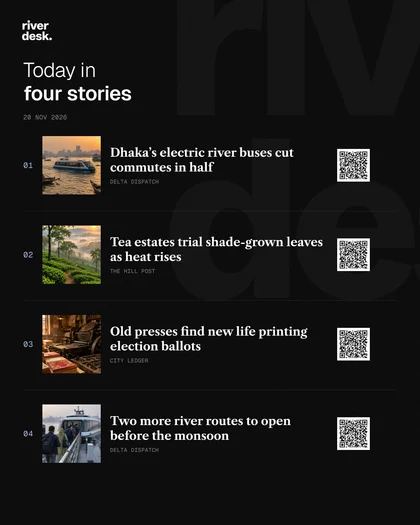
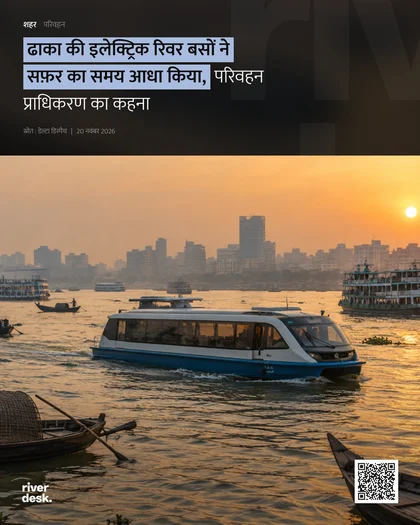
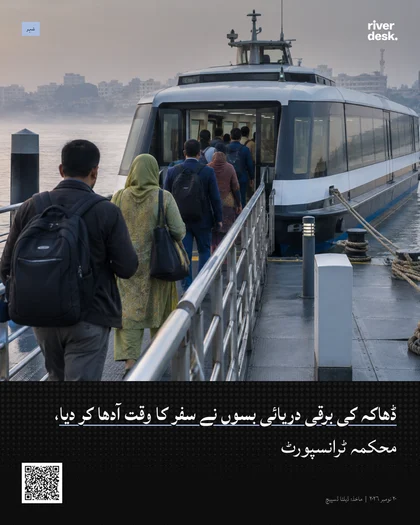
آپ کی زبان کے لیے۔
- বাংলা
- हिन्दी
- اردو
- नेपाली
- मराठी
- தமிழ்
- తెలుగు
- മലയാളം
- ಕನ್ನಡ
- ગુજરાતી
- ਪੰਜਾਬੀ
- සිංහල
- Indonesia
- Filipino
- မြန်မာ
- Kiswahili
- Hausa
- Yorùbá
- አማርኛ
- العربية
- Español
- Português
- English
- Français
- فارسی
- Українська
- Tiếng Việt
- ไทย
- Bahasa Melayu
- ଓଡ଼ିଆ

عام سوالات
Is it free?
Yes. No account, no watermark.
Does it work with Facebook, X and WhatsApp?
Save your card as a PNG to share in posts and chats. You can also paste it from the clipboard in apps that accept pasted images.
Which languages are supported?
Make cards in 30 languages. The app and extension interface are available in 12 languages.
Does my data leave the browser?
Clipcard builds and saves cards in your browser. It may request images from the source site.
Edge, Brave, Firefox?
The first extension release is planned for Chrome. Edge and Brave are part of beta testing, with Firefox planned for a later release.
How do video clips work?
Choose a range in the extension and share the active tab with Clipcard. It records that part of the playing video in your browser and adds a QR to the original timestamp. Protected video can only be linked as a moment card.